THE APP
The app, screen by screen.
Click any image to enlarge it.
PREART IX IMPOSITION · MACOS
Step-and-repeat layouts in seconds, with numbering built in. Vector marks and your CMYK reach the press untouched.
On the Mac App Store · 14-day trial with your own artwork
THE APP
Click any image to enlarge it.
THE JOBS YOU RUN EVERY DAY
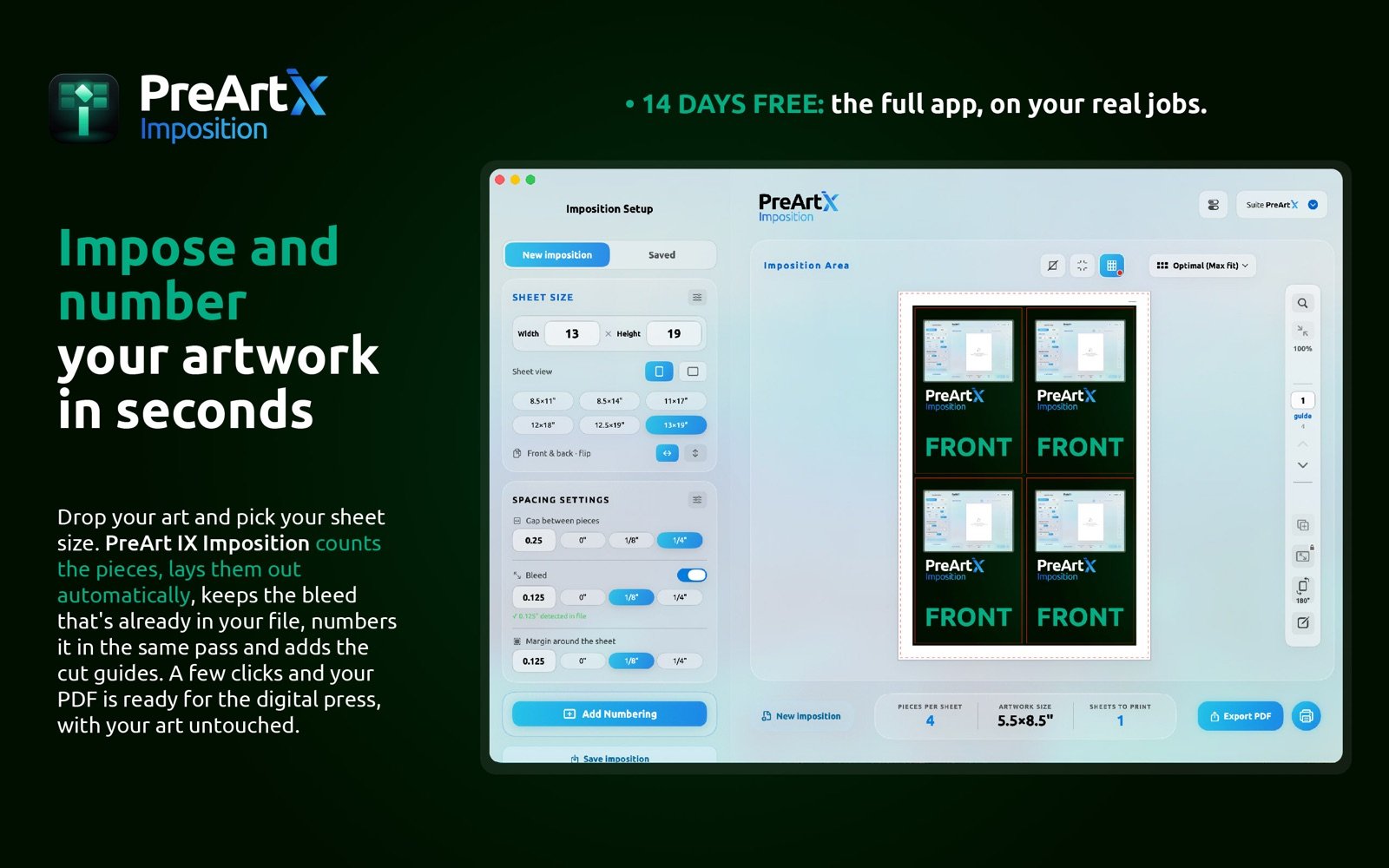
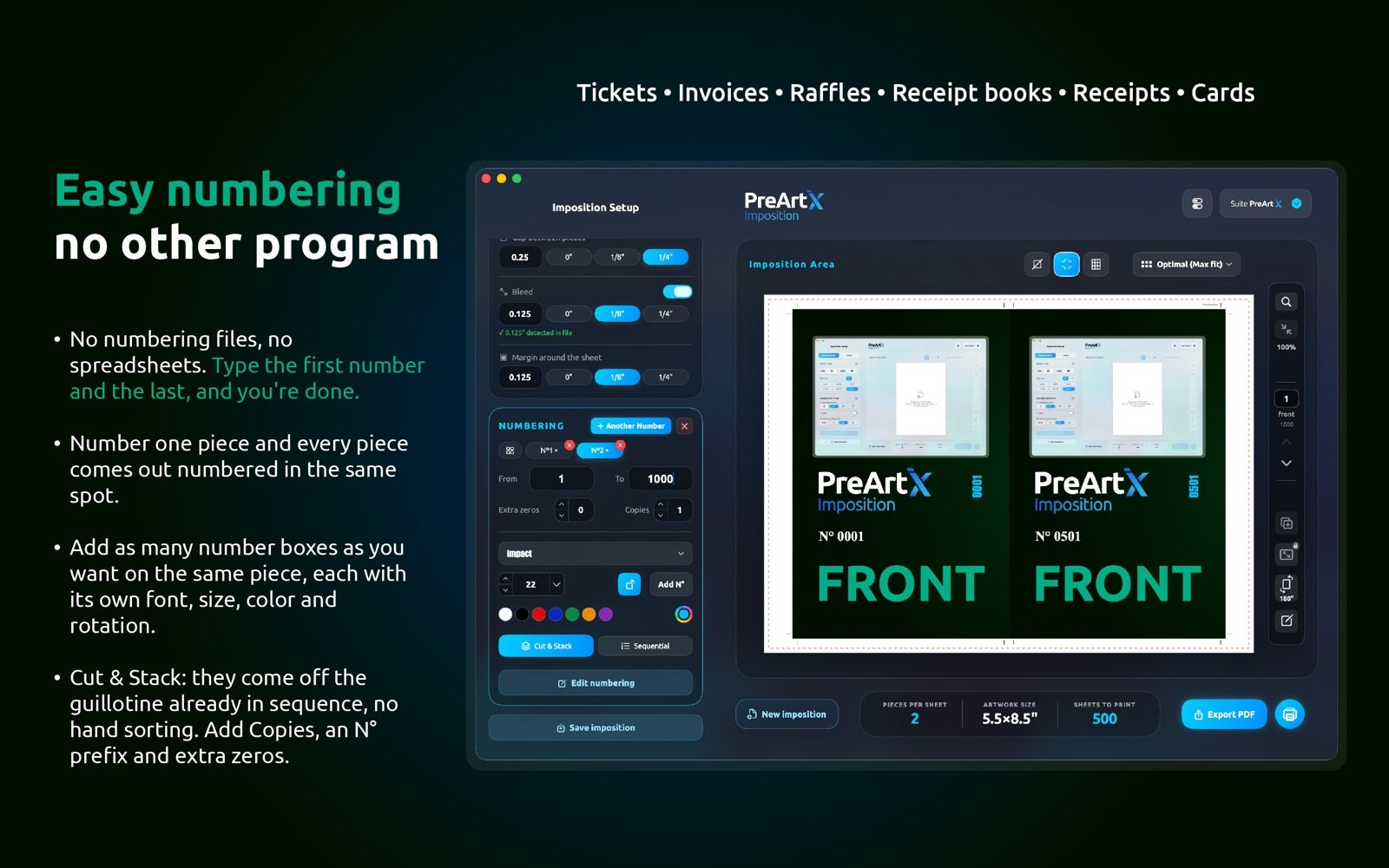
Business cards, flyers, postcards, labels, front-and-back jobs: the work that fills your press every week, imposed step-and-repeat in seconds. And when a job needs numbering, it happens in the same pass instead of a second program.
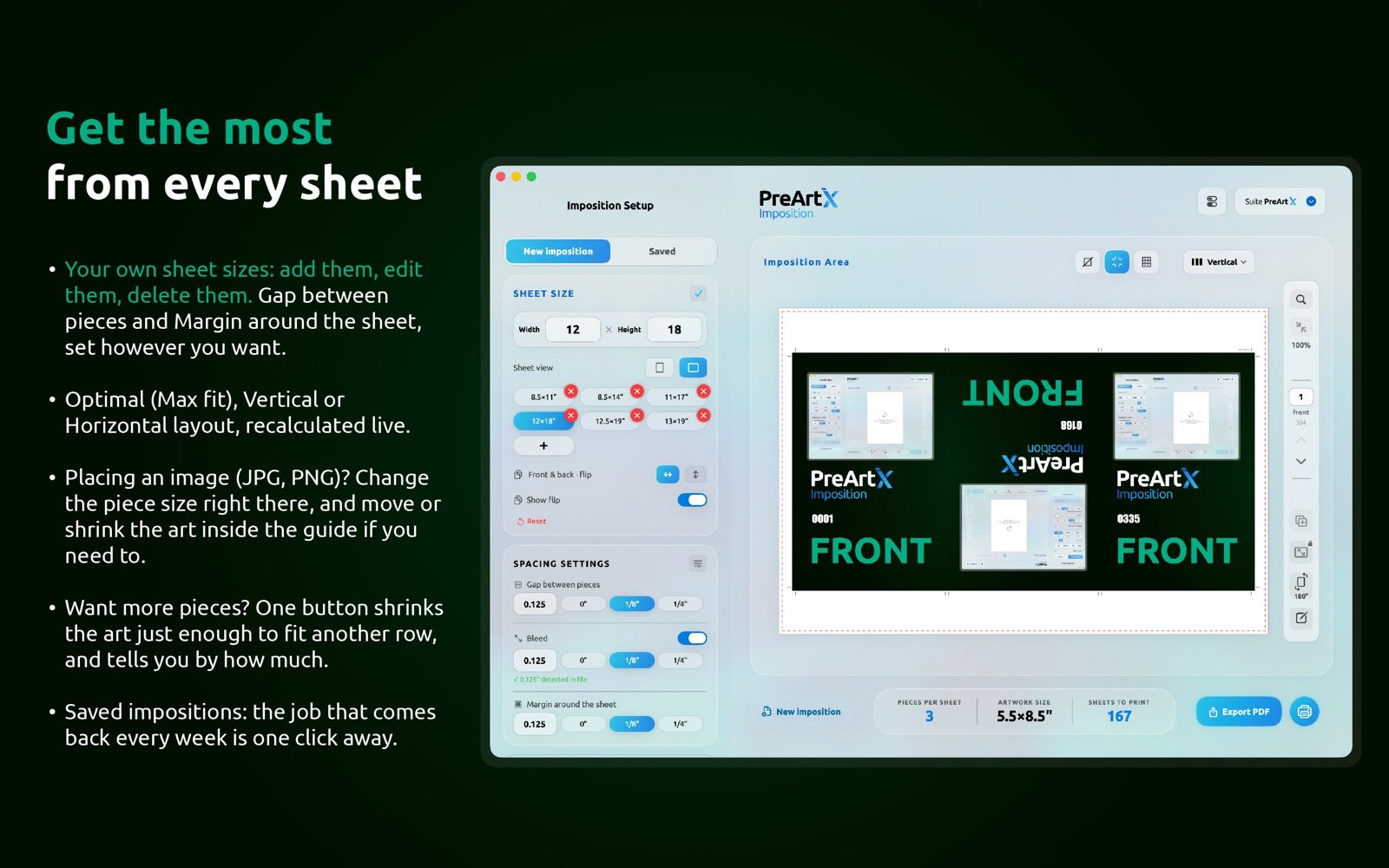
One sheet, ready for the press.
THE WHOLE JOB
Sheet, gap and margins recalculate the layout live. Optimal, vertical or horizontal. "Fit more" shrinks the art to the next layout when you need extra pieces.
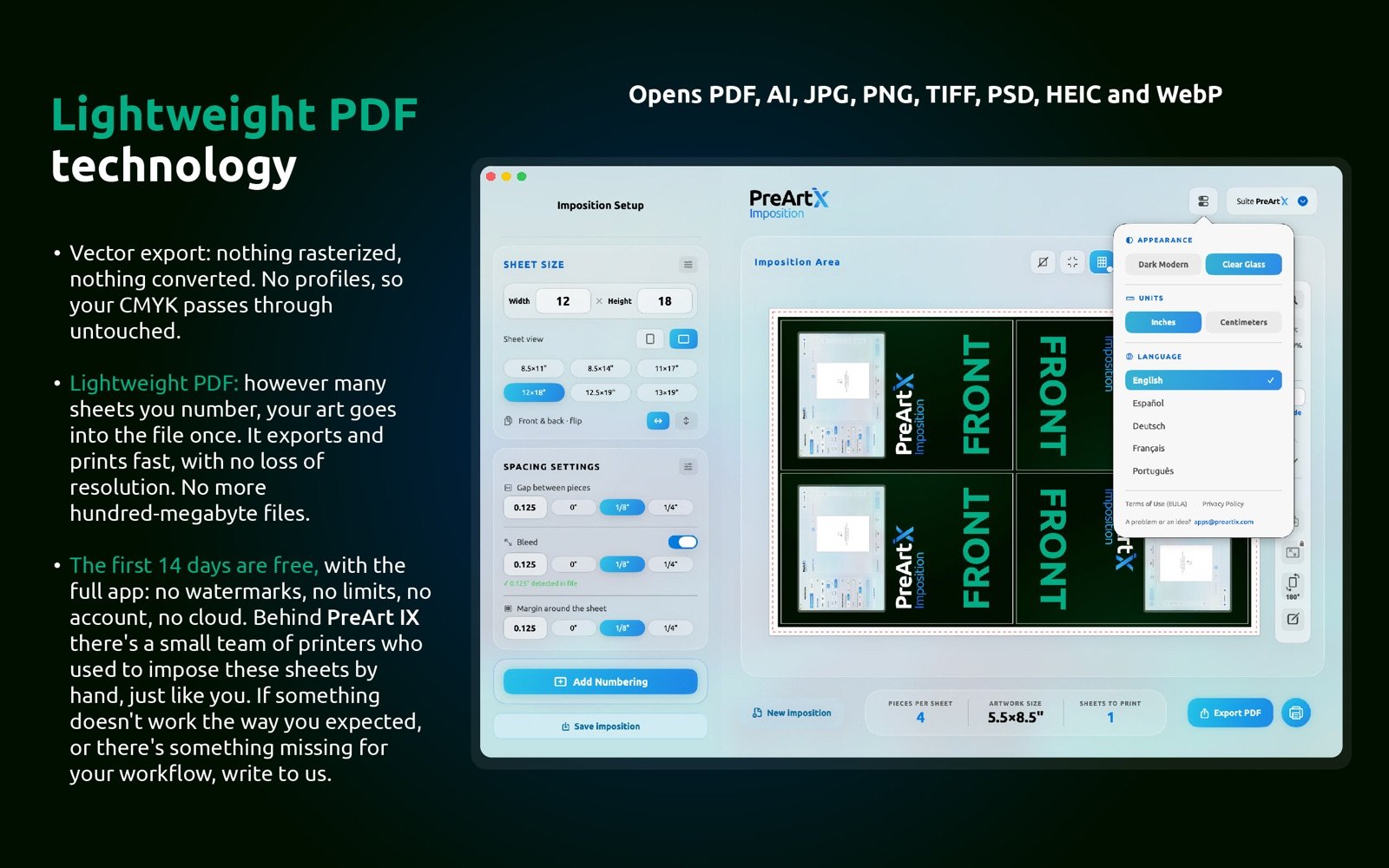
Vector pass-through export: the PDF that reaches your RIP carries your color exactly as designed. Nothing rasterized, nothing converted.
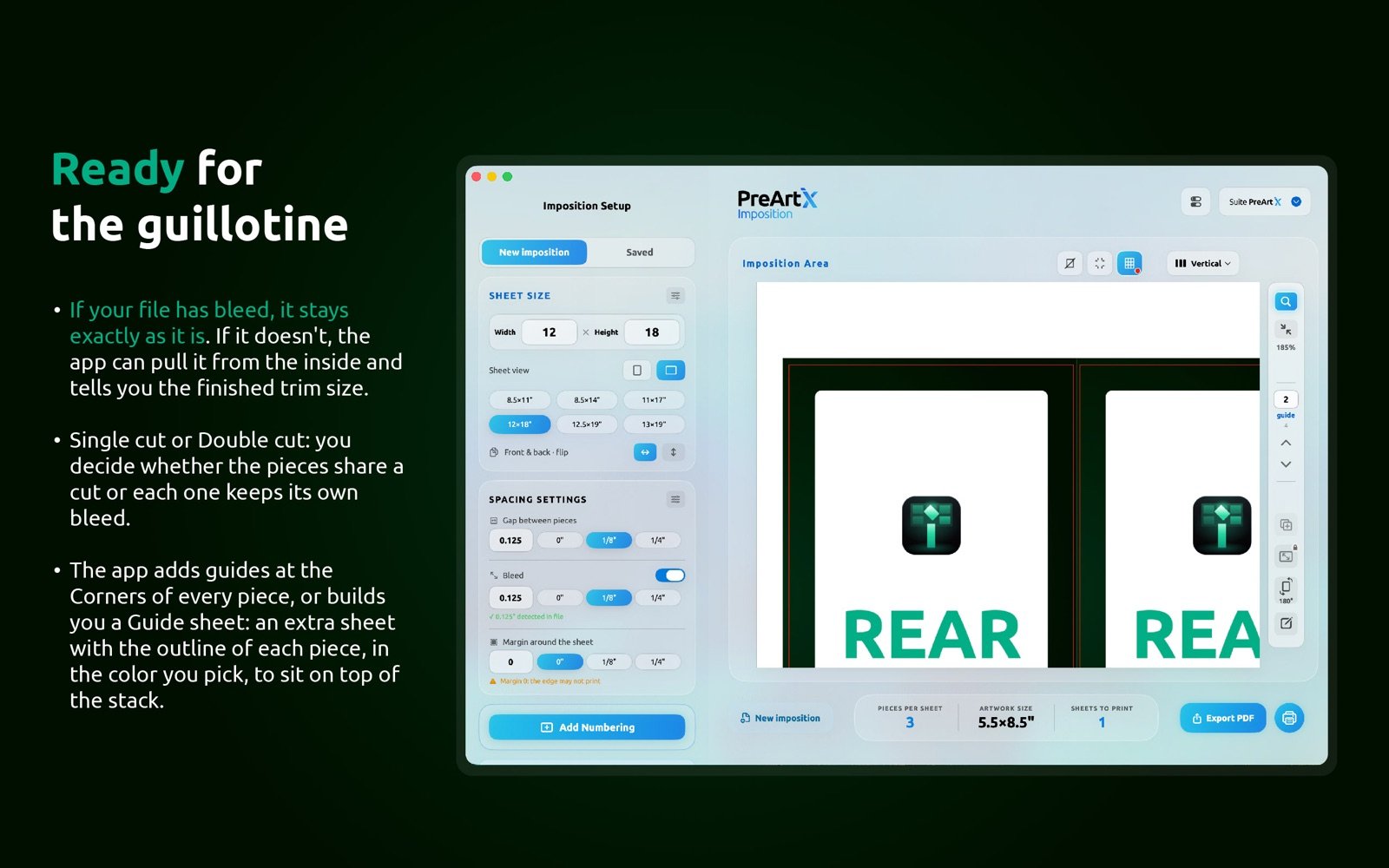
Reads the bleed your file brings. Single cut when colors meet, double cut with 2× gutter when they don't. Flat art gets masked from inside.
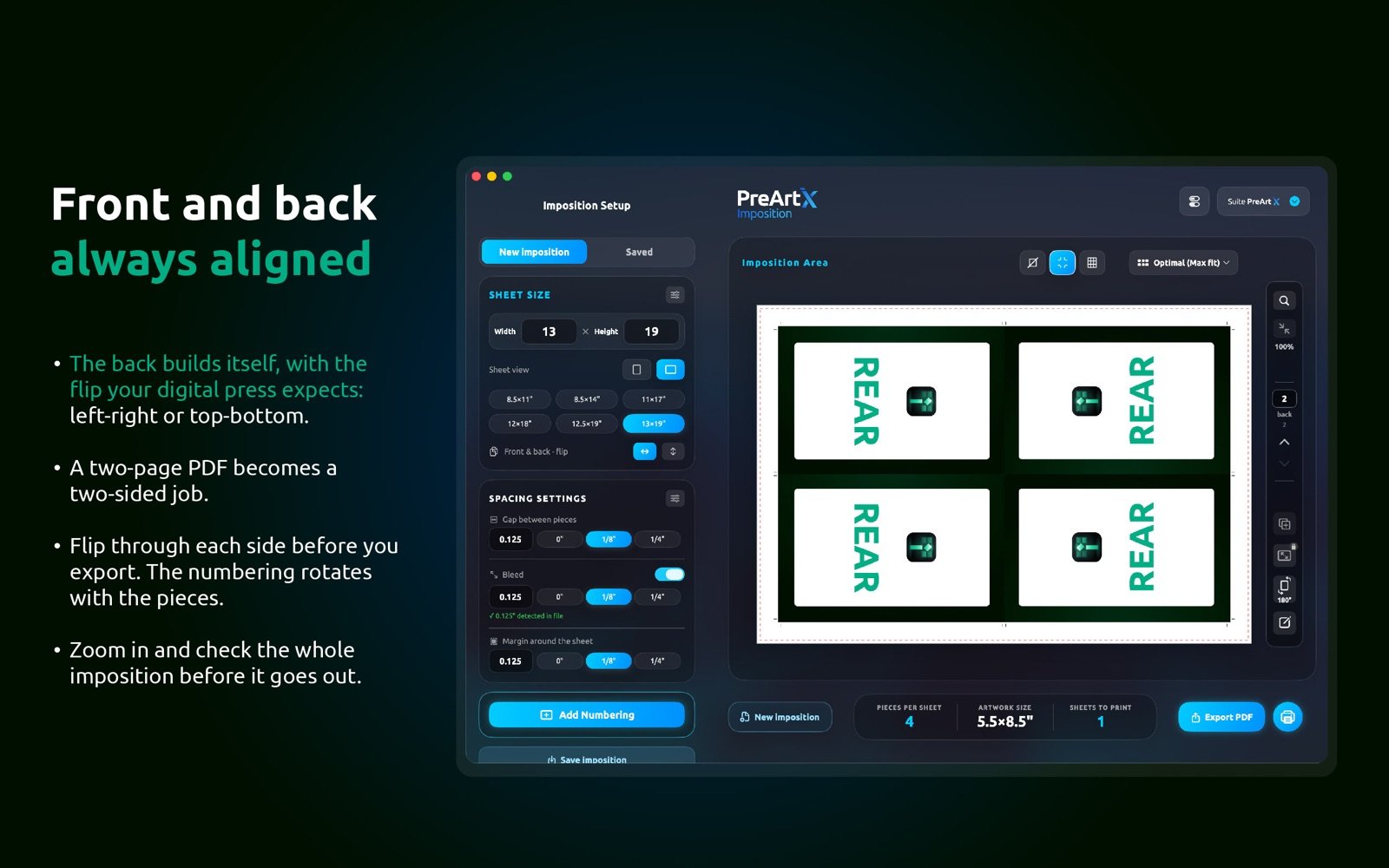
Two-page PDFs become duplex jobs: left-right or top-bottom flip, and the sheet pager shows every side before you export.
Corner crop marks or a full guide sheet that rides on top of the pile to steer the guillotine.
PDF, AI, TIFF, PSD, JPG, PNG, HEIC. Saved impositions repeat a job in one click. 5 languages, inches & centimeters.
PRICING
✓ Complete step-and-repeat imposition for digital press
✓ Cut-and-stack numbering included
✓ Vector export, bleed handling, crop marks & guide sheets
✓ 5 languages · presets that remember your shop
✓ Answers from our team in under 24h
$29.99/mo · $299/yr
14-day trial with the full app · subscription renews automatically · cancel anytime from your App Store account
Try 14 days freeFREE ON THE MAC APP STORE
Sheet and piece in; yield, layout and guillotine cuts out. Free, no account, nothing collected. It also runs in the browser.
Pass-through: your vectors and color reach the output sheet untouched. Your RIP sees exactly what your designer built.
Yes. Piles come out offset so that after the guillotine, every book is in sequence. 2-part, 3-part, extra zeros, prefix, stub rotation.
Most tools charge upwards of $260 a year and sell numbering as a separate purchase. Here it is included, the app is native on Apple Silicon, and Spanish is a first language.
Anytime, from your App Store settings. No calls, no forms. And CutMaster stays free either way.