THE MAC APP, SCREEN BY SCREEN
Five screens.
The whole app.
Click any image to enlarge it.
Reference tool. Always confirm against your guillotine.
CUTMASTER · FREE · NO ACCOUNT
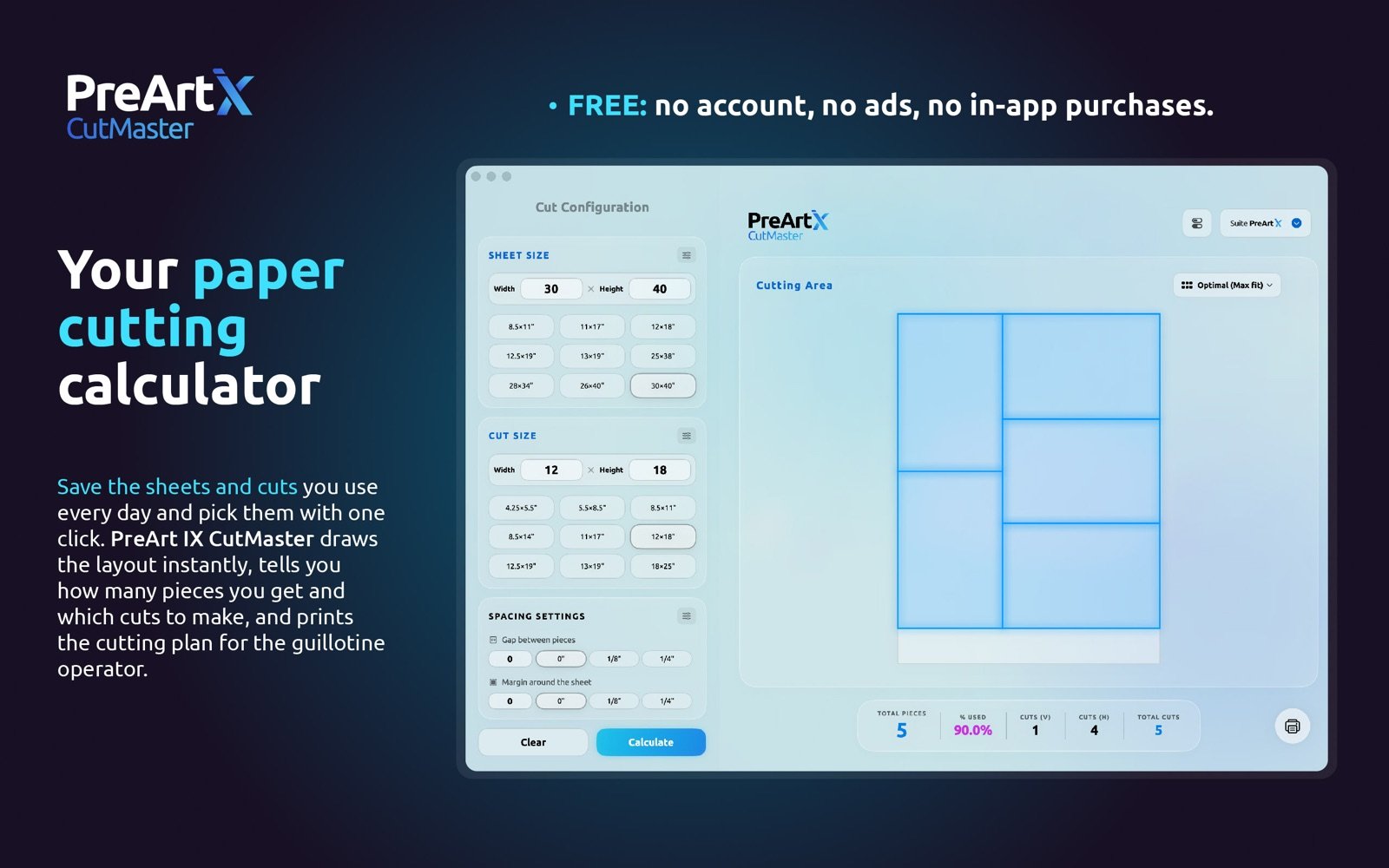
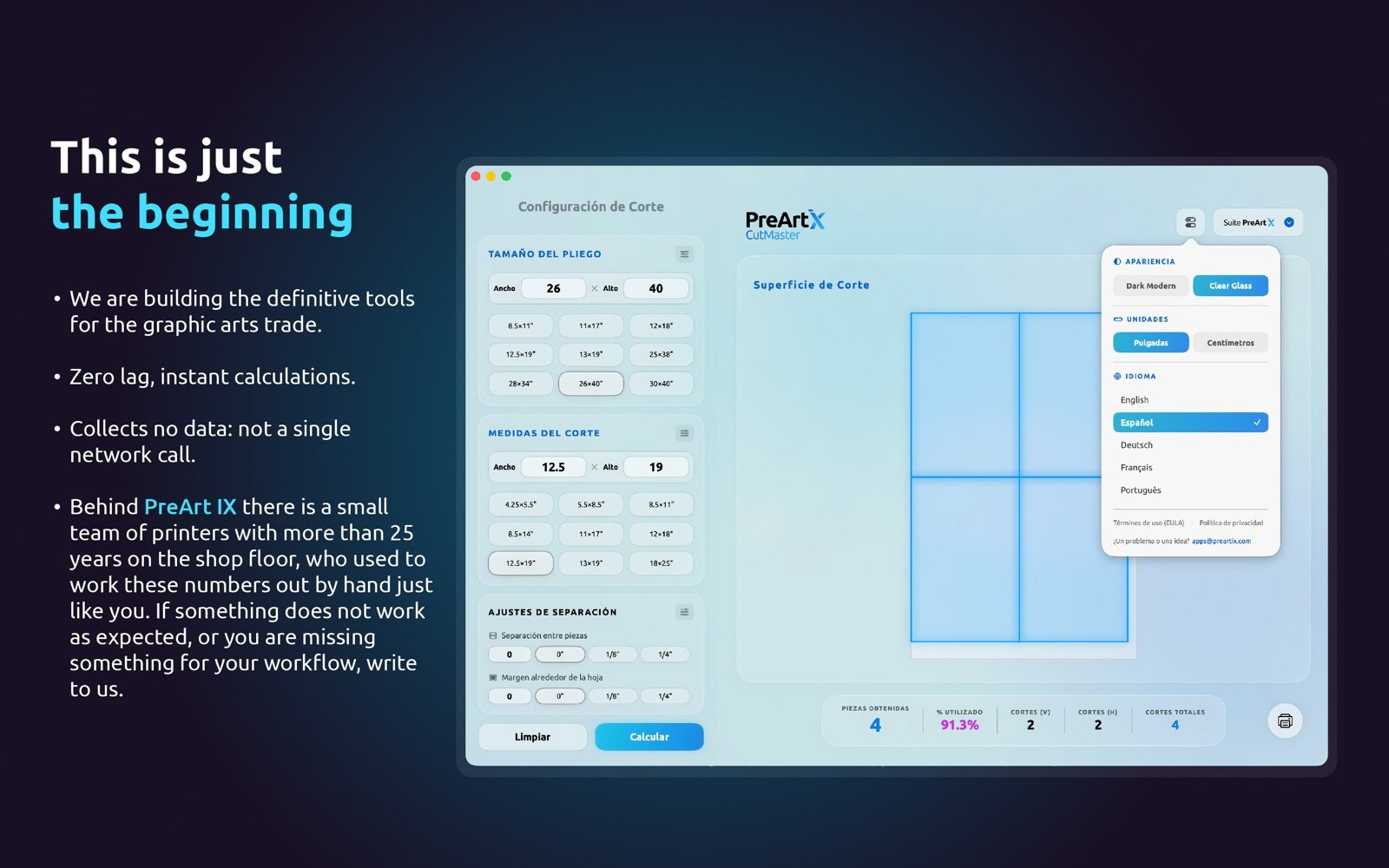
How many pieces fit on your sheet? Enter the sheet and the piece: you get the yield, the layout and the guillotine cuts instantly, in inches or centimeters.
THE MAC APP, SCREEN BY SCREEN
Click any image to enlarge it.
THE FREE MAC APP
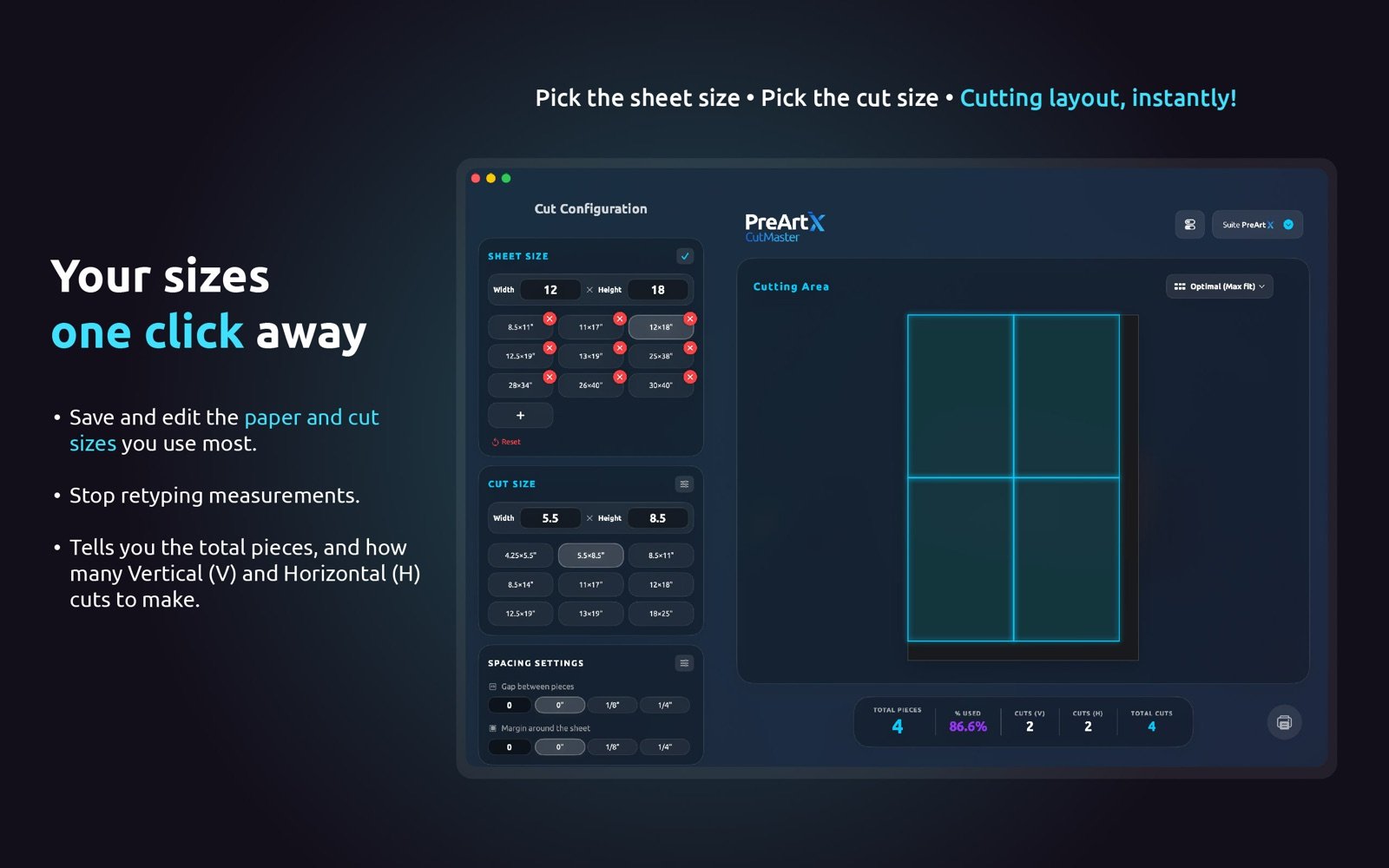
Save the sheets and cuts you use every day as presets. Two clicks instead of typing.
No connection at the shop? The app doesn't care. It opens instantly and never phones home.
Hand the operator a clean printed sheet with the layout and the counts, instead of a phone screen.
No account, no ads, zero data collected. Free means free.
5 languages · Dark & Light skins · macOS
FROM THE SAME WORKBENCH
FOR DESIGNERS & PRE-PRESS
Imposition lays out cards, flyers and front-and-back jobs step-and-repeat style, numbering included, ready for this very calculator.
Meet Imposition →FOR PRINT SHOP OWNERS
PrintCalc turns this count into a quote: your papers, click costs, waste and the margin, before you commit.
Meet PrintCalc →Enter the sheet size and the piece size in the calculator on this page. It returns the number of pieces, the layout and the guillotine cuts. For example, a 12 by 18 inch sheet yields 30 business cards of 3.5 by 2 inches with no gap between pieces.
Yes. It runs in the browser with no account, no ads and no limits. The native Mac app is free as well.
It tests straight grids in both rotations plus mixed layouts, with rotated pieces filling the remainder, and keeps whichever yields the most. Same engine as the Mac app.
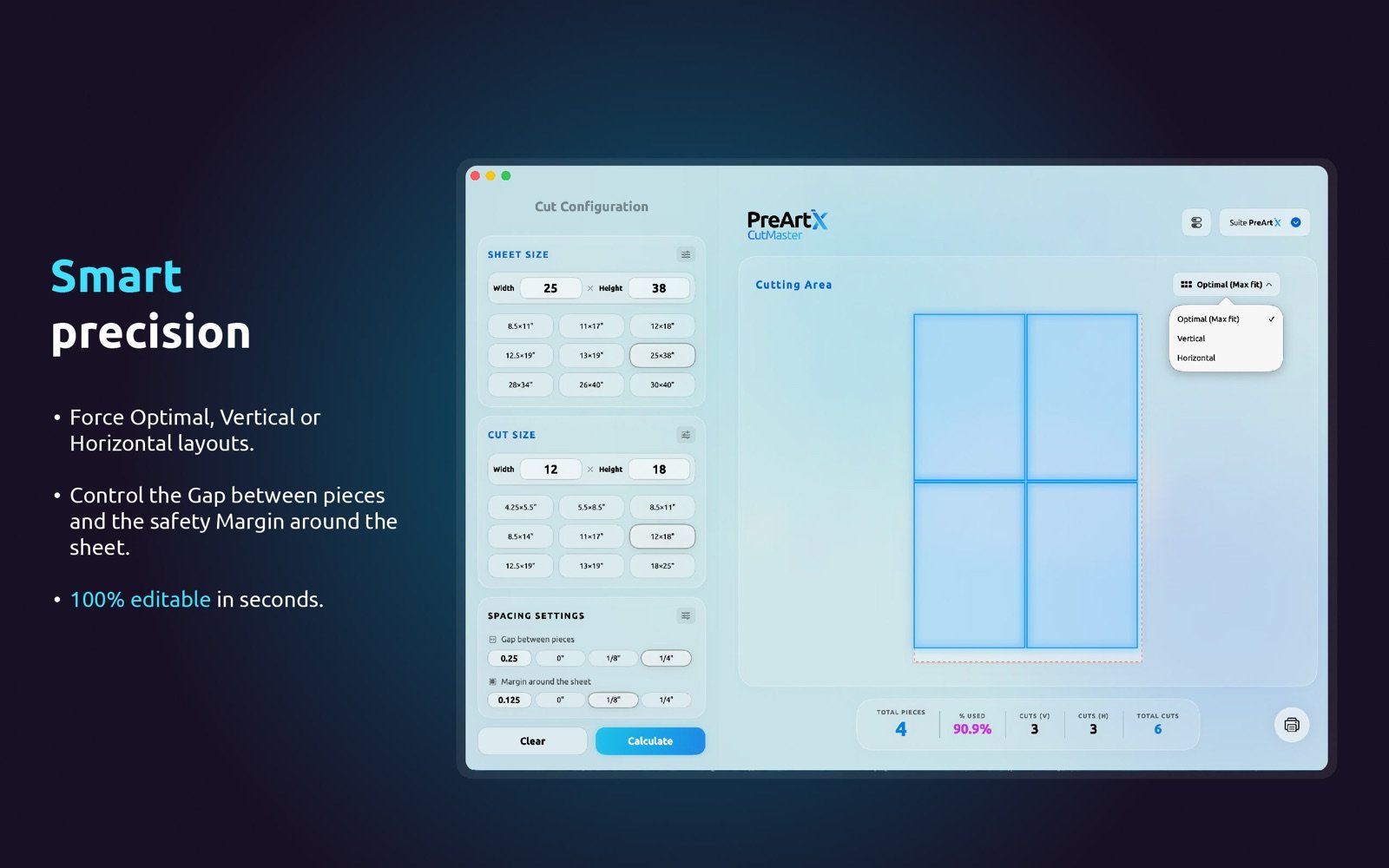
Gap adds cutting clearance between pieces. Margin reserves the unprintable edge of the sheet, because most digital presses cannot print to the very edge.
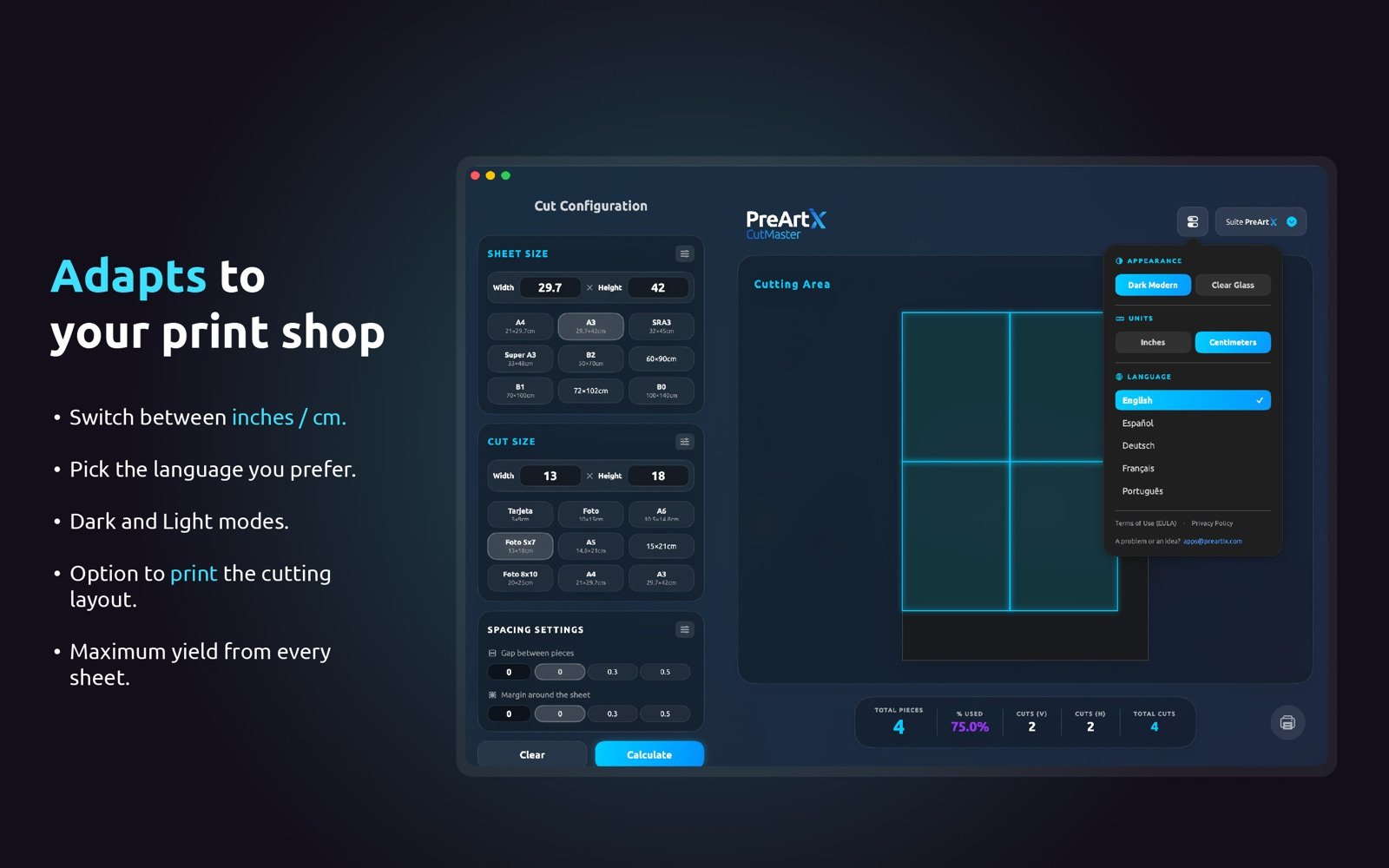
Yes. The in and cm buttons switch units and convert whatever you already typed. The presets change too: inches shows trade sizes, centimeters shows ISO sizes such as A4, SRA3 and B2.
The engine is the same, so the numbers match. The Mac app also saves your own sheets and cuts as presets, works with no connection and prints the cut plan for the operator.